086 111 8324 sales@baselineit.co.za Get the Baseline Interact support app

Home / Facial recognition access control

New · Control iD face readers

Facial recognition access control

Touchless, card-free entry for your office, server room, site or estate, using Control iD face readers such as the iDFace Max. Baseline IT supplies, installs and supports the whole system.

What it is

Facial recognition access control replaces access cards, tags and PIN codes with a quick face scan at the door. A reader at each entrance matches the person against enrolled staff, opens the door if they are allowed in, and records the entry with a time stamp.

Cards get lost, lent out and cloned. A face can't be handed to someone else, so you know who actually walked through the door and when. Because nothing is touched, it is also faster and more hygienic at busy entrances.

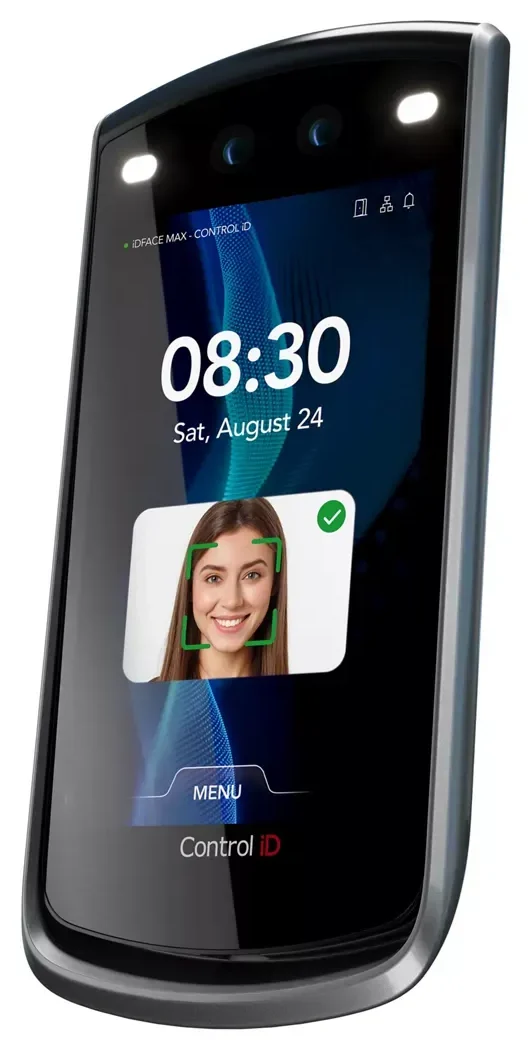
At the door we install Control iD readers, made by Control iD, part of the ASSA ABLOY group. The flagship iDFace Max uses two 1080p cameras, one visible-light and one infrared, with liveness detection, so a printed photo or a phone screen won't open the door.

Baseline IT handles the whole project: site assessment, design, installation, network, integration with your doors and gates, and ongoing support.

Where clients use it

  • Office front doors and reception
  • Server rooms and comms cabinets
  • Records and file rooms at law and accounting firms
  • Factory floors, warehouses and site gates
  • Residential estates and business parks
  • Staff time and attendance
Book a site assessment

The devices

Control iD readers we install

Pick the reader for each entrance: a large-screen face terminal for the front door, a compact face reader for internal doors, or a fingerprint reader where faces aren't practical.

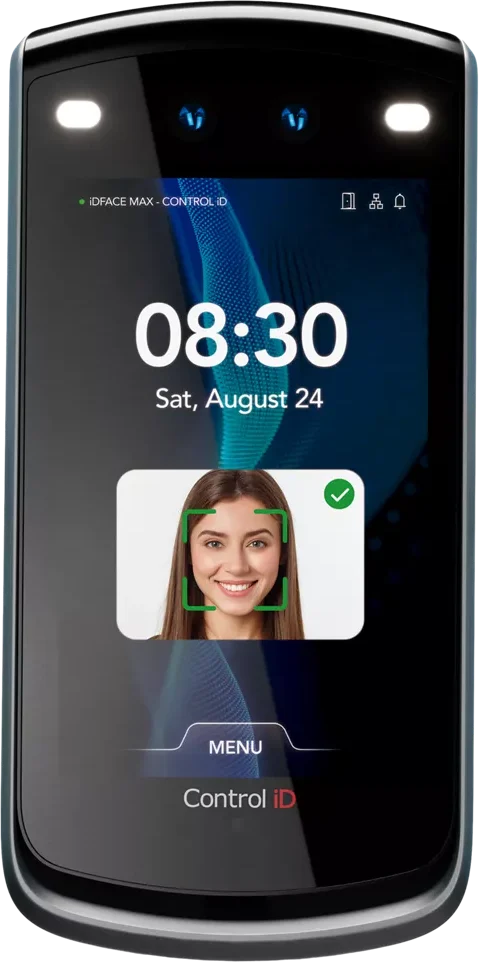
Control iD iDFace Max facial recognition terminal, front view Control iD iDFace Max, side perspective

Flagship · Main entrances

Control iD iDFace Max

A 7-inch touchscreen face terminal for reception doors, main entrances and turnstiles. It recognises a face from up to 100,000 enrolled faces with liveness detection, and works with and without masks.

Recognition
Up to 100,000 faces (1:N), liveness detection
Cameras
2 × 1080p, visible light and infrared
Users
More than 200,000
Credentials
Face, PIN, QR code, RFID card (MIFARE, 125 kHz, HID)
Screen
7" capacitive touchscreen, 800 × 1280
Power
12 V 2 A or PoE (IEEE 802.3af)
Rating
IP65
Connections
Ethernet, USB, Wiegand in/out, OSDP, relay; optional Wi-Fi and SIP intercom (Pro)
Control iD iDFace compact facial recognition reader

Compact · Internal doors

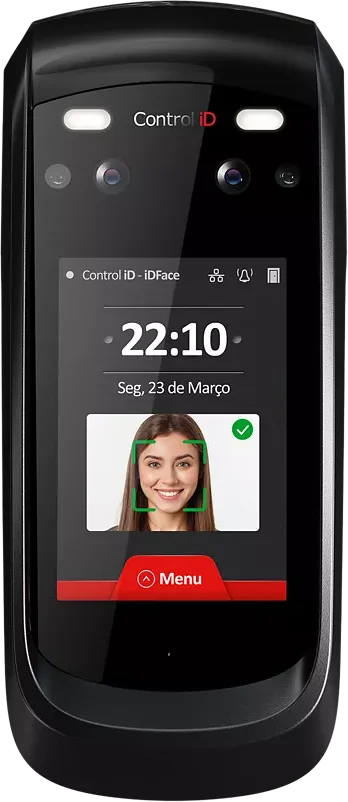
Control iD iDFace

The same dual-camera face recognition in a smaller body, for server rooms, file rooms and office doors.

  • Up to 30,000 faces with liveness detection (select models)
  • 3.5" touchscreen
  • Face, PIN, QR code and RFID card
  • IP65, external door module with relay
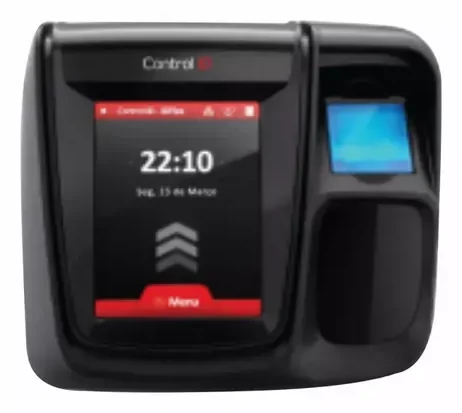
Control iD iDFlex fingerprint access controller

Fingerprint · Budget option

Control iD iDFlex

A compact fingerprint access controller for doors where a face reader isn't needed.

  • Fingerprint identification for up to 200,000 users
  • 500 dpi optical sensor
  • Card and PIN as alternatives
  • Built-in web software, no install needed
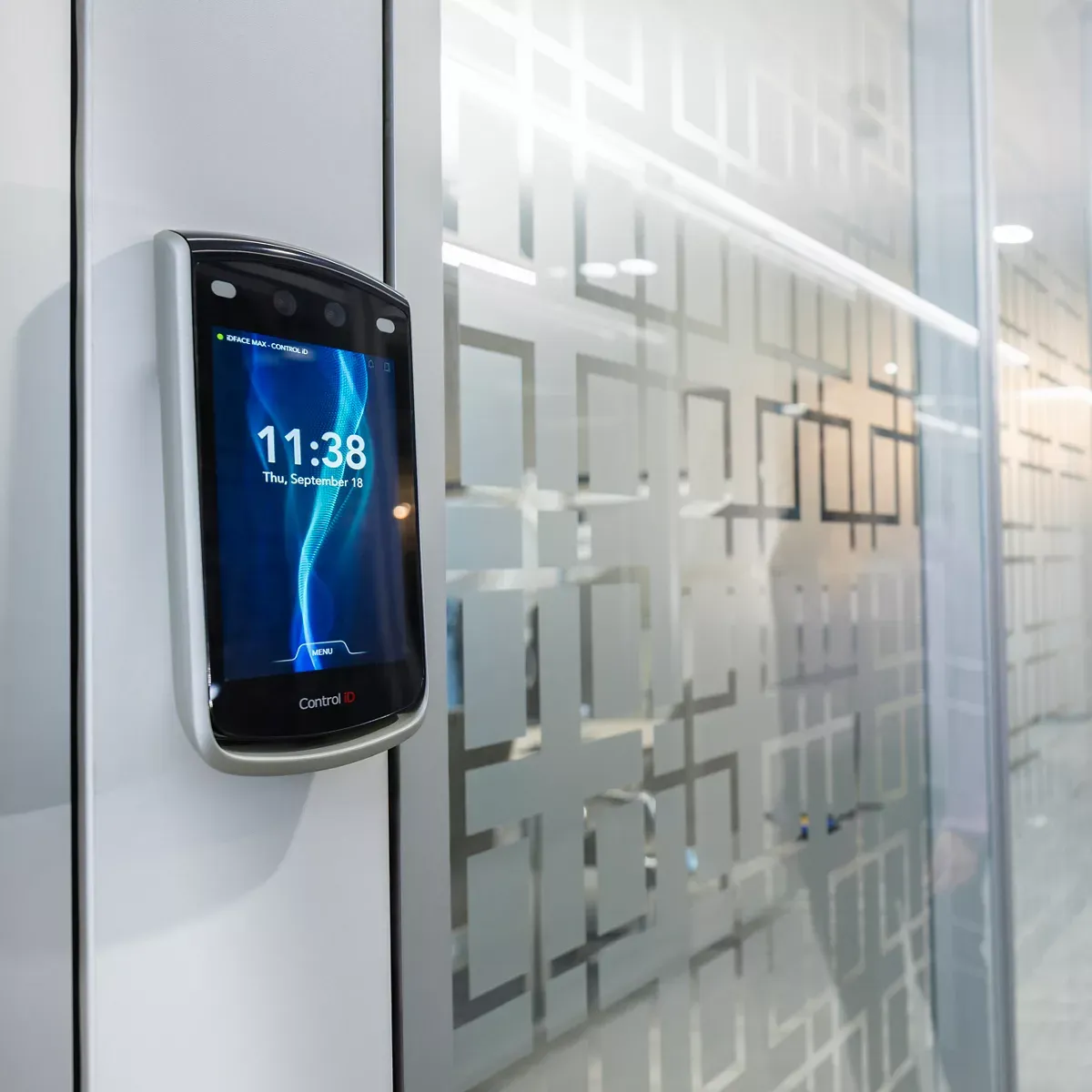
iDFace Max mounted beside a glass meeting room door
iDFace Max controlling access to a meeting room
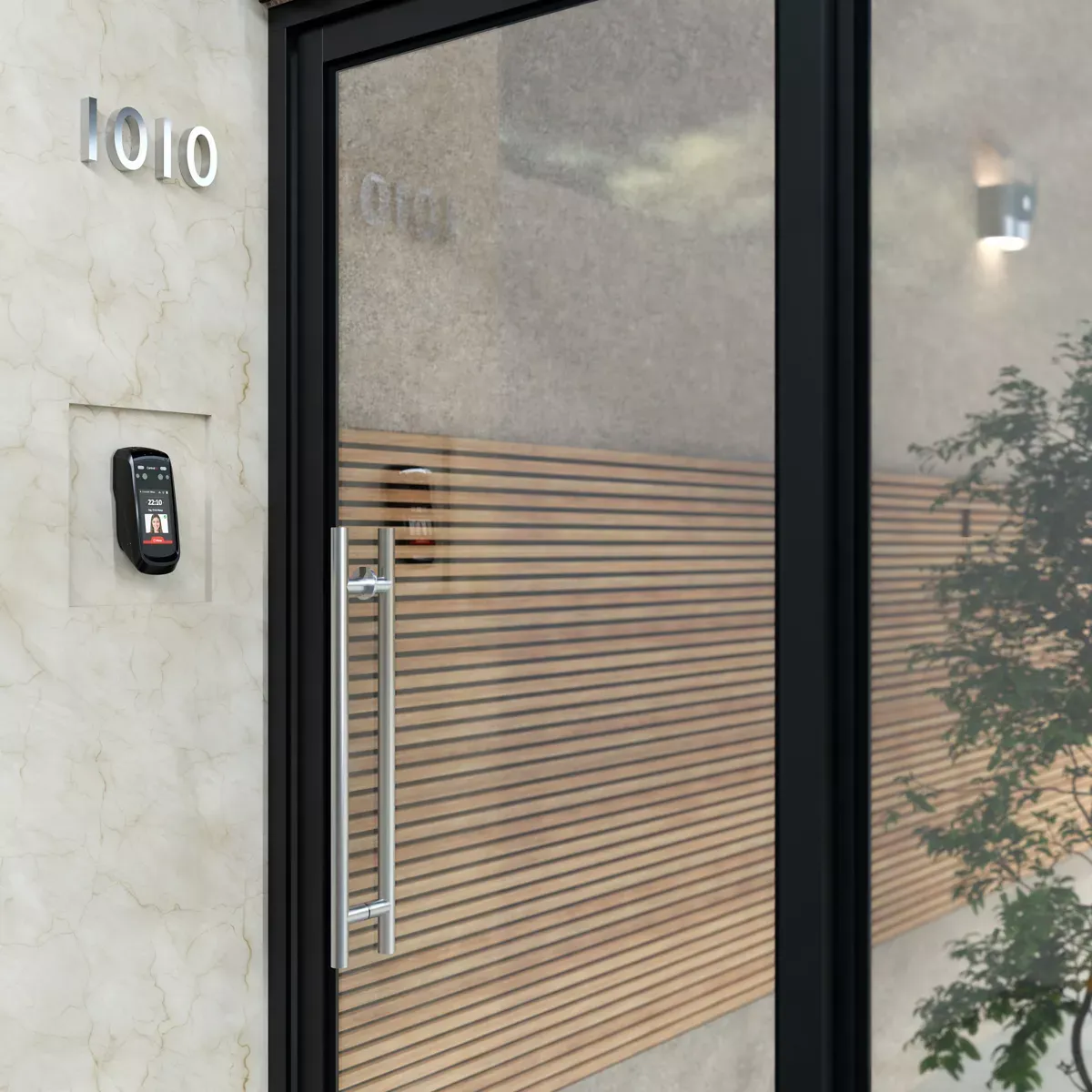
iDFace reader mounted beside a building entrance
iDFace at a building entrance

Specifications from Control iD / ASSA ABLOY datasheets. Some features depend on the model ordered. Product images © Control iD / ASSA ABLOY.

Where we install

Biometric access control in Pretoria, Johannesburg and Cape Town

Our technicians install and support facial recognition and fingerprint access control from our offices in Pretoria (Moreleta Park), Johannesburg (Krugersdorp), Cape Town (Tokai) and Rustenburg. Typical sites are law and accounting offices, server rooms, factories, warehouses, business parks and residential estates.

Because we are also your IT company, the readers, network, firewall and access software are supported by one team and one support line.

Hardware partner

Control iD logo
  • Pretoria
  • Centurion
  • Midrand
  • Johannesburg
  • Sandton
  • Krugersdorp
  • Rustenburg
  • Cape Town
  • Stellenbosch

How it works

From site visit to first scan

  1. Site assessment

    We look at your doors, gates, lighting, network and existing locks, and recommend reader positions.

  2. Install and connect

    Readers are mounted and wired to your door locks, turnstiles or boom gates and connected to your network.

  3. Enrol your people

    Staff are enrolled with consent and given access to the areas they need, on the schedules you set.

  4. Manage and report

    Add or remove people, register visitors and pull entry and attendance reports from the management system.

Features

What you get

Touchless entry

Walk up and go in. No cards, fobs or PINs to manage, replace or share.

Zones and schedules

Decide who may enter which doors, and at which times of day.

Visitor management

Pre-register guests and contractors, and keep a record of every visit.

Audit trail

Every entry is logged with a time stamp, so you can see who was where.

Time and attendance

Use entry data for clock-in records instead of a separate system.

Supported by your IT team

The same Baseline IT support line looks after your access control, network and firewall.

Questions we get asked

Frequently asked questions

Which facial recognition readers does Baseline IT install?

We install Control iD readers: the iDFace Max (7-inch touchscreen, up to 100,000 faces) for main entrances, the compact iDFace for internal doors, and the iDFlex fingerprint reader where a face reader isn't needed.

Can a photo or a phone screen fool the reader?

The iDFace range uses a visible-light camera and an infrared camera with liveness detection, which is designed to reject photos and screens.

Can the reader be installed outdoors?

The iDFace and iDFace Max are IP65 rated against dust and water jets. For gates in direct sun or rain we usually add a hood or canopy, which we confirm on the site assessment.

Can staff still use cards or PINs?

Yes. The iDFace Max and iDFace also accept a PIN, a QR code or an RFID card (MIFARE, 125 kHz or HID), so visitors and contractors can be given a QR code instead of being enrolled.

How does facial recognition access control work?

A camera-based reader at the door captures the person's face, compares it with the enrolled faces allowed through that door, and releases the lock if there is a match. Each entry is logged with the person and time.

Is facial recognition access control POPIA compliant?

Biometric data is special personal information under POPIA, so it must be collected with consent, used only for access control, kept secure and deleted when no longer needed. We set the system up with consent-based enrolment and access to the data limited to authorised administrators, and our consulting team can help with the policies and notices.

Can it work with my existing doors and locks?

In most cases, yes. Readers connect to standard magnetic locks, electric strikes, turnstiles and boom gates. We confirm compatibility during the site assessment.

How much does facial recognition access control cost?

Cost depends on the number of doors, the type of locks and the number of people. Book a free site assessment and we will give you a fixed quote.

Do you install facial recognition access control in Pretoria, Johannesburg and Cape Town?

Yes. Baseline IT installs and supports Control iD facial recognition and fingerprint readers in Pretoria, Centurion, Johannesburg, Midrand, Rustenburg and Cape Town.

Can facial recognition be used for time and attendance?

Yes. Each entry is logged with the person and the time, so the same readers can provide clock-in and clock-out records for payroll.

Log a ticket